Data Recovery & Backup in Huntington Beach, CA
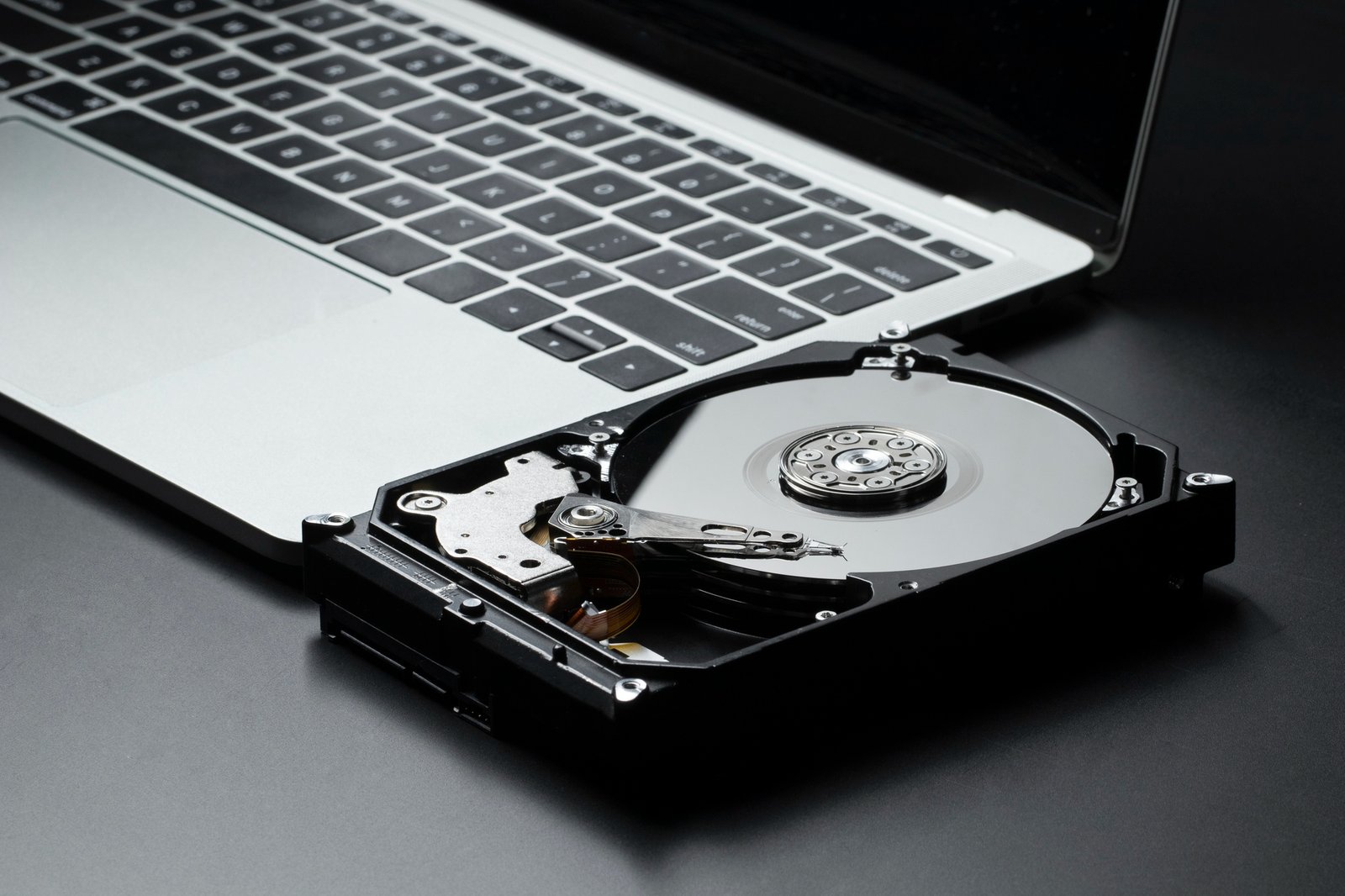
Dead drive, a computer that won’t start, or files that suddenly disappeared? Jim recovers photos, documents, and business files from failed, corrupted, and dead drives, including advanced recovery that goes beyond simple file copying, and sets up backups so you don’t have to go through it again.
Stop using the drive or computer
Every minute it runs can make things worse
If you hear clicking or grinding, turn it off
Those sounds usually mean a mechanical failure.
Don’t run repair tools or “fix” programs yourself
Some of them overwrite the data you want back.
Don’t open the drive or try to freeze it
Neither one helps.
Call before you do anything else.
Diagnosis
Jim checks the drive and works out what kind of failure it is.
An honest answer
You’re told what’s realistic, because not every failure can be fully recovered, and what it will cost before any work begins.
Recovery
Jim recovers what can be saved and puts it on a new drive or storage you choose.
Checking
At the end, you can look through your recovered files yourself.
Most data loss is preventable. Jim sets up automatic backups so a failed drive or a virus doesn’t mean lost files.
External Drive Backups. Simple and inexpensive.
Network Storage. A private storage device on your own network, with no monthly cloud fee. Synology network storage is available from Jim.
Cloud Backups. Your files are copied off-site automatically.
Many people use more than one, so a single failure can’t take everything.
On-site visits
Jim comes to your home or office in Huntington Beach and nearby Orange County communities.
Walk-in drop-off
Stop by Jim’s Huntington Beach home office during business hours with the drive or computer. No appointment needed.
Remote support
Backup setup can often be done remotely. Recovering data from a failed drive needs the drive in hand
No. Some failures can’t be fully recovered, and Jim won’t promise what he can’t deliver. He’ll tell you what’s realistic before you spend money.
Often, yes. The files are stored on the drive, so they can sometimes be saved even when the computer is beyond repair.
It depends on the type of failure and how much data there is. You’ll have an idea after the diagnosis.
You’re told the cost before any work begins.
It depends on how much you have and how you work. Jim will recommend a setup that fits, and he can set it up for you.
Sometimes. Stop using the computer or drive right away and call, because new data can overwrite what you deleted.
Call Jim at (714) 906-6193 and describe what happened. The sooner you call, the better the chances. On-site visits, walk-in drop-off, and remote support are available.

Need Help?
Call or text (714) 906-6193
Huntington Beach · Costa Mesa · Fountain Valley · Westminster · Newport Beach · Garden Grove · Seal Beach · Anaheim · Santa Ana
Remote support available wherever you are.
© 2026 COPYRIGHT ALL RIGHT RESERVED